Built for subscribers · Screens reflect your menu permissions
Quote Rocket brings your pipeline, quotes, customer portal, and team performance into one place. This guide walks through the screens you may already have access to—use it as a map of the platform and a refresher when you onboard new team members.
- Daily work & CRM – Mission Control, My Dashboard, To-do, Companies, Contacts, Company Profile, Orbits
- Quotes & branding – Quote Start, Quotes List, Defaults, PDF, Presentation Content
- Portal & integrations – Customer Portal List, Subscriber Portal view, HubSpot Sync
- Team & admin – Team List, Performance, Goals, Coach, Diary, User Listing, Manage Users
Portal & Integrations
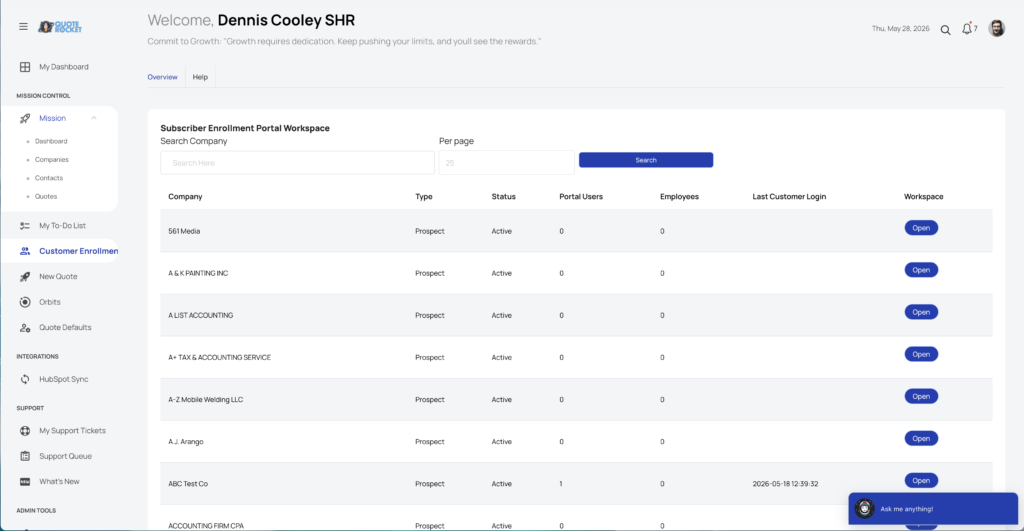
Customer Portal List
Manage enrollment across all companies
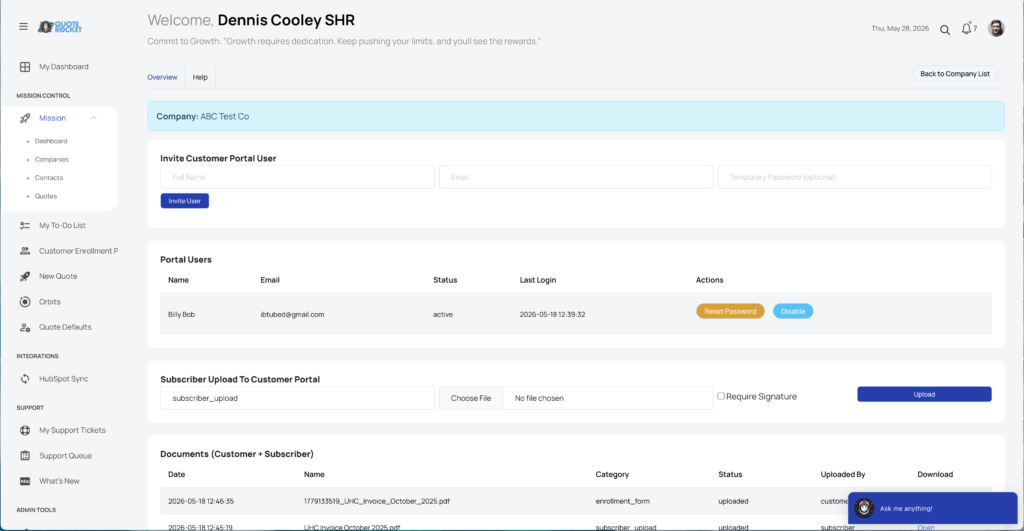
Subscriber Customer Portal – Subscriber View
Invite customers and share documents securely
Integrations
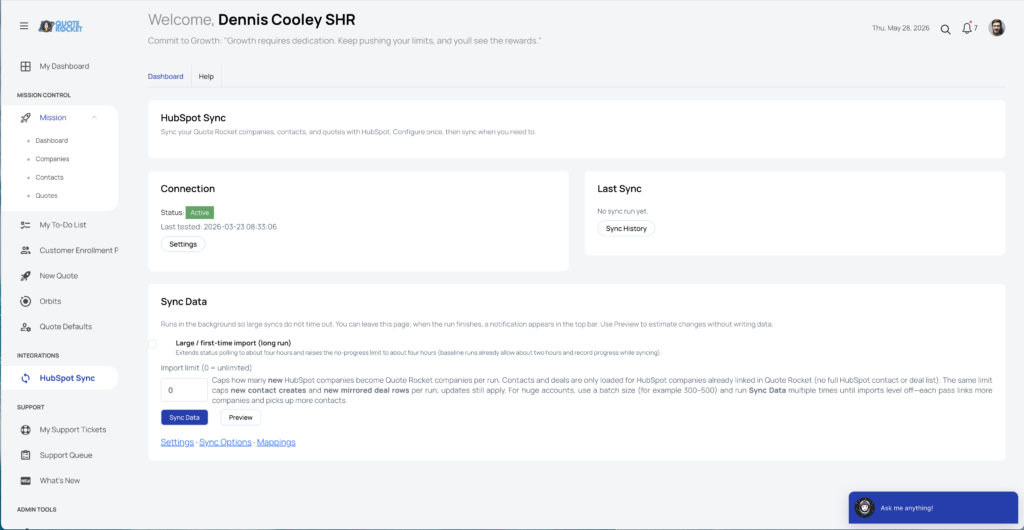
Hubspot Sync
Keep HubSpot and Quote Rocket aligned
Suggested Next Reading – Team & admin
- Integrations — Sync CRM data with HubSpot when your account includes it.
- Customer portal — Enroll customers and exchange documents securely online.